
 Sign Up with Epic Games



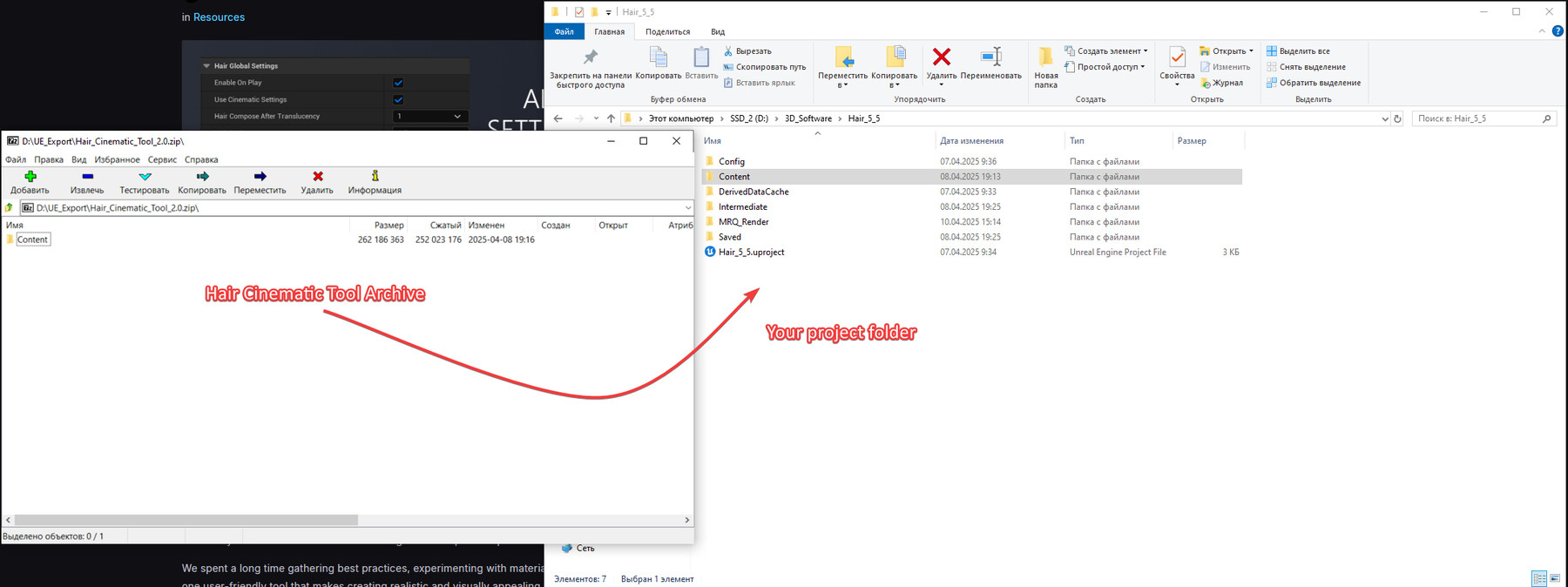
👇
To get a discount for UNREAL FEST 2026, use this code when you make your purchase.
UNREAL_FEST_2026
☝️
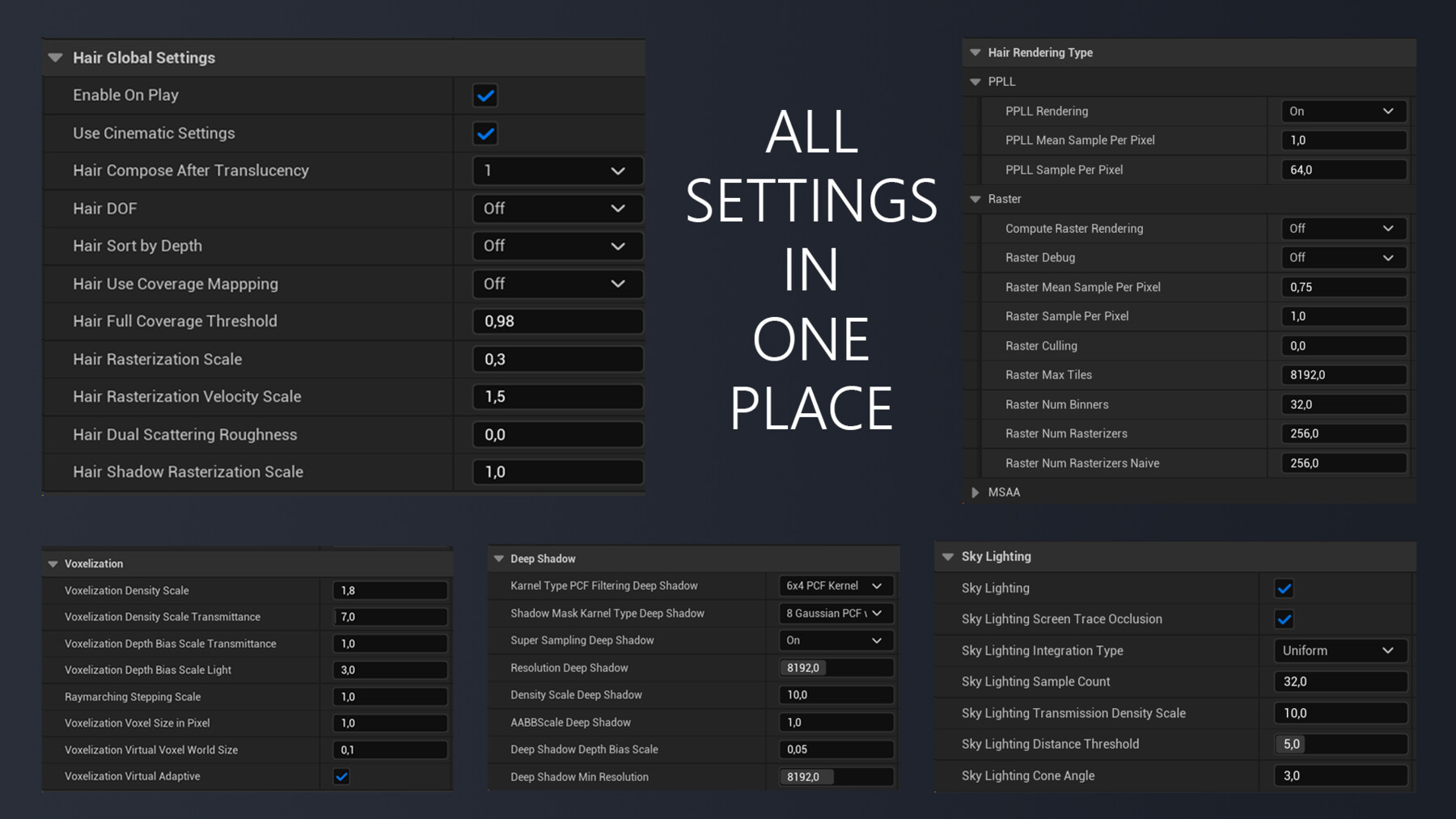
*Note: You can see the full settings the screenshot in the gallery of the product.
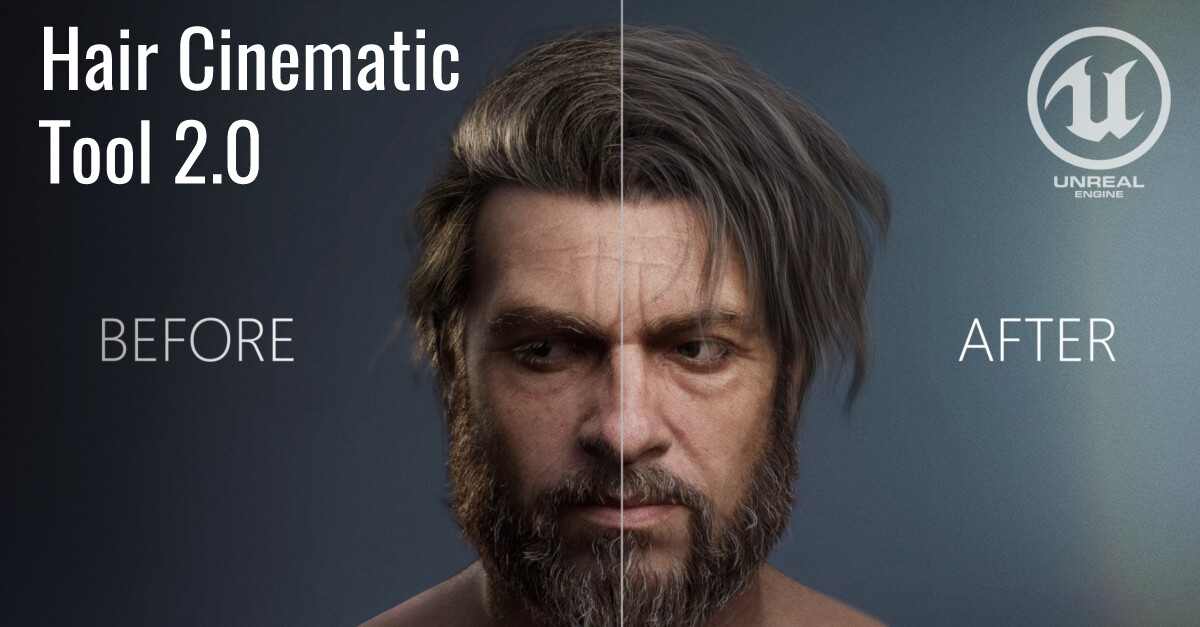
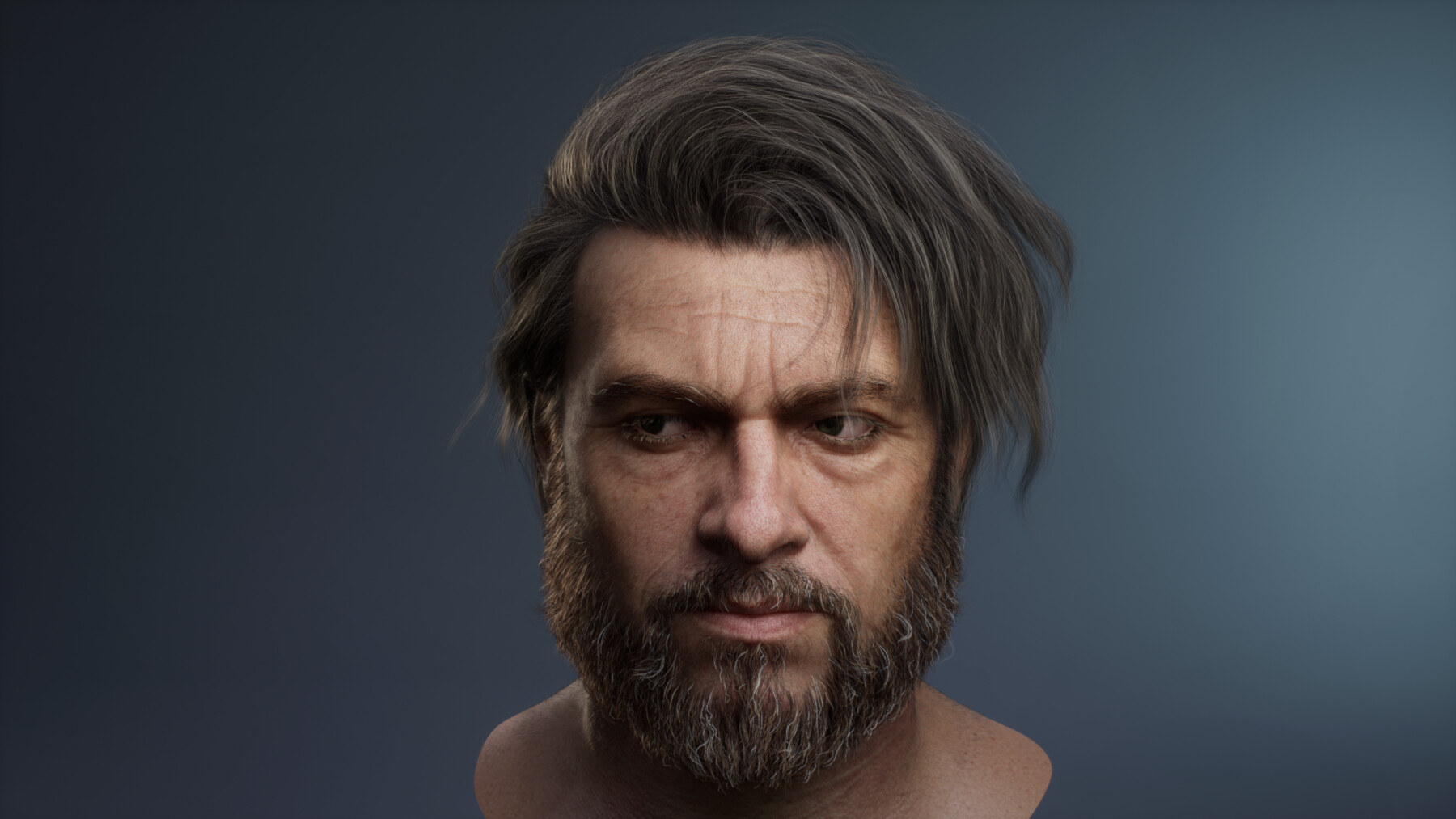
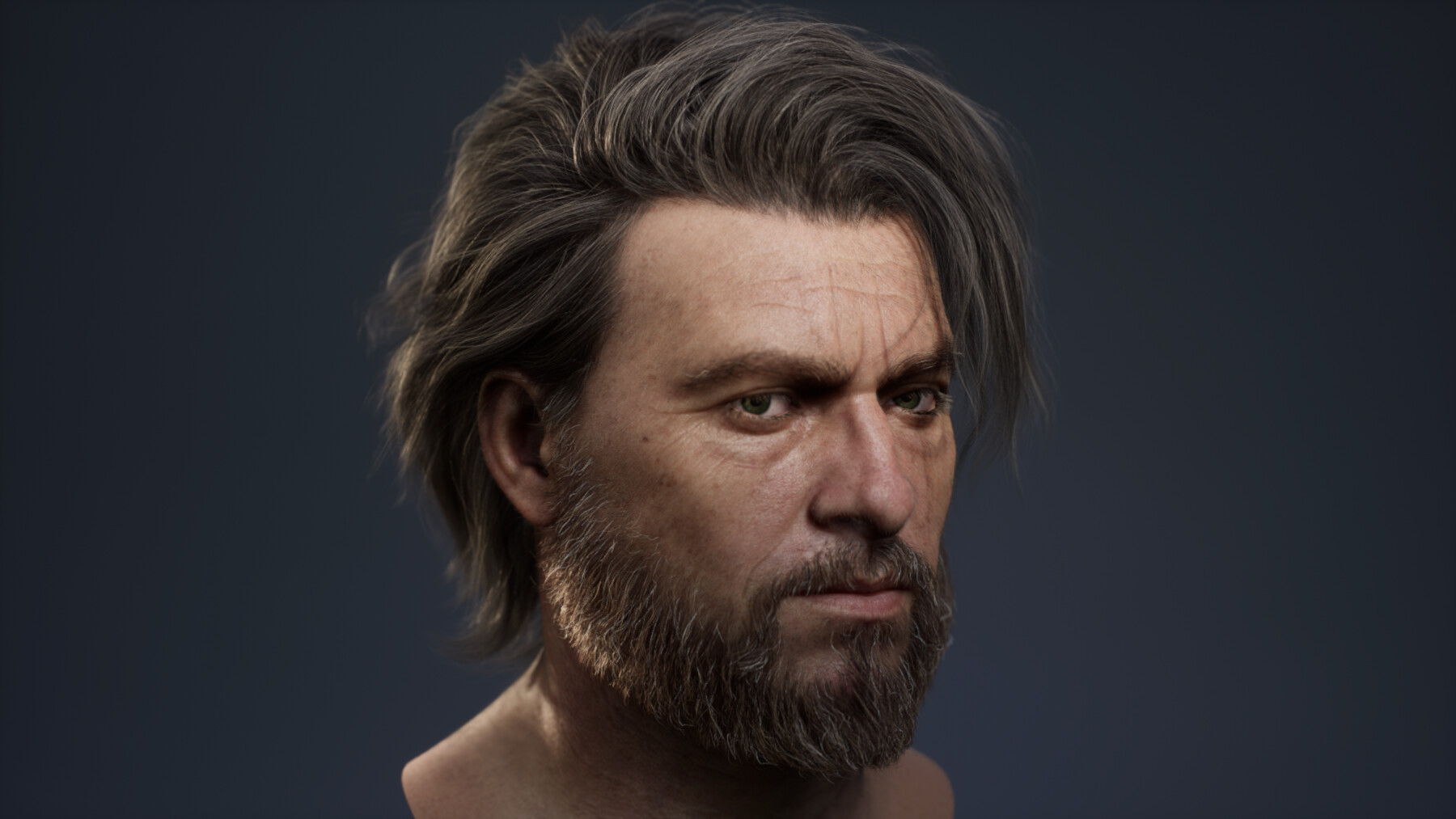
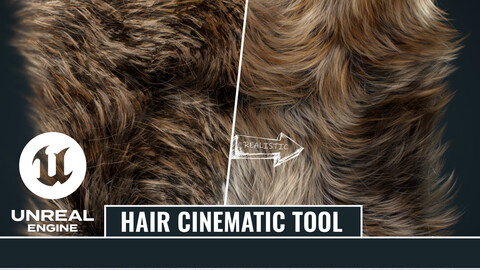
Achieve photorealistic hair strands rendering in Unreal Engine 5 with the Hair Cinematic Tool 2.0 by Argentum Studio. The ultimate solution for groom shading, CFX, and high-end character art.
About the Tool
Over the course of our cinematic production work, we’ve come to understand that while Unreal Engine offers powerful capabilities for groom shading, the necessary tools are scattered across the engine and require deep technical knowledge.
We spent a long time gathering best practices, experimenting with complex material logic, and optimizing lighting setups. We eventually packaged it all into one production-ready, user-friendly tool. The tool is the perfect solution for 3D artists and tech animators who want to achieve high-quality, realistic hair renders quickly and without unnecessary hassle.
Technical Details
- Engine Compatibility: Fully optimized for Unreal Engine 5.5+
- Current Version: 2.0.2
Documentation & Resources
Before you start, make sure to check out our step-by-step guides and production breakdowns:
- Official Documentation & Video Guide: Read on ArtStation Blog
- Argentum Studio Artwork: See the tool in action
Available Now on FAB
👉 Get the Hair Cinematic Tool 2.0 on FAB Marketplace
Showcase & Credits
We are proud to feature stunning artworks created using our tool in the product gallery. A huge thank you to these amazing artists:
- Anna Radionova's work ↓
https://artstation.com/artwork/5WV90O - Piotr Zielinski's work ↓
https://artstation.com/artwork/98raLy - Aleksander Stepanov's work ↓
https://artstation.com/artwork/nJPDa4
Industry Feedback:
See what Andrew Krivulya (ArtOfCharly) had to say about how this tool fixed his hair renders:Read the feedback on LinkedIn
Release Notes
Update 2.0.2
- Add Voxelization SkyLight intensity Depth Bias Scale parameter(SkyLighting_Intensity_DepthBiasScale).
- Add Voxelization Force Transmittance And Shadow. For transmittance and shadow to be computed with density volume.
- Rename all parameters
- UseCoverageMappping, DeepShadow GPU Driven, DeepShadow AABBScale and DeepShadow DepthBiasScale removed as unnecessary or obsolete parameters.
- Changing the hierarchy in the project for compatibility with FAB.
CATEGORIES
Standard Use License
USD $35.00
License: Standard License
Stock Assets
For personal use and one commercial project (up to 2,000 sales or 20,000 views).
TutorialsOne copy to be used by a single user.
Installable ToolsOne installation by a single user.
Learn MoreFiles (3)
Extended Commercial License
USD $450.00
License: Extended Commercial License
Stock Assets
For use on an unlimited number of commercial projects with no limits on sales or views.
Learn MoreWith Extended Commercial License, you get personal support from the developers of Hair Cinematic Settings.
Please contact us by email - "<a target="_blank" href="mailto:hq@argentum.studio" rel="nofollow noopener noreferrer">hq@argentum.studio</a>" Read MoreRead Less
Files (3)
https://artstn.co/m/WgRLK
Copied
Ratings & Reviews
Sort by:LikesDate
Reviews (8)
 Piotr Zielinski
10Report| Release v.2.0.1 | Standard Use License | about 1 year ago
fantastic tool that allows you to take your groom to the next level. It has all possible settings exposed in the BP so its super easy to use and itterate the best settings for your needs. Some example of what i did with it:
https://www.artstation.com/artwork/98raLy
 Annna Rodionova
10Report| Release v.2.0.1 | Standard Use License | about 1 year ago
This is an amazing tool! It makes visualizing hair unrealistically easy and the final look is gorgeous! Here is an example of using the tool in my project: https://www.artstation.com/artwork/5WV90O
 S
S10Report| Release v.2.0.1 | Standard Use License | about 1 year ago
Great tool =)
 Aleksander Stepanov
10Report| Release v.2.0.1 | Standard Use License | over 1 year ago
This tool will help you set up your groom for final rendering without the headache of going through every cvar yourself. A big time saver.
 Levi Harrison
20Report| Release v.2.0.1 | Standard Use License | over 1 year ago
Hair rendering in Unreal is beautiful but can be difficult to set up. This tool makes that setup interactive. Rather than spending all of your time searching for that one console command you need to make things look right, I would recommend purchasing Hair Cinematic Tool 2.0. The time it saves is well worth the money you spend.
 Andrew Krivulya | ✔️Open to work
20Report| Release v.2.0.1 | Standard Use License | over 1 year ago
Thank you for this awesome tool!
 Michaut Denis
20Report| Release v.2.0.1 | Standard Use License | over 1 year ago
waaaa it's so cool the result is masterpiece, it's a must to have.
 JonamarVpalejo
10Report| Release v.2.0.1 | Standard Use License | over 1 year ago
This is freaking Awesome Tool. I love it so much
Filter by Rating
More by Argentum Studio

Add a tip for Argentum Studio
Tips are appreciated, but optional!
